
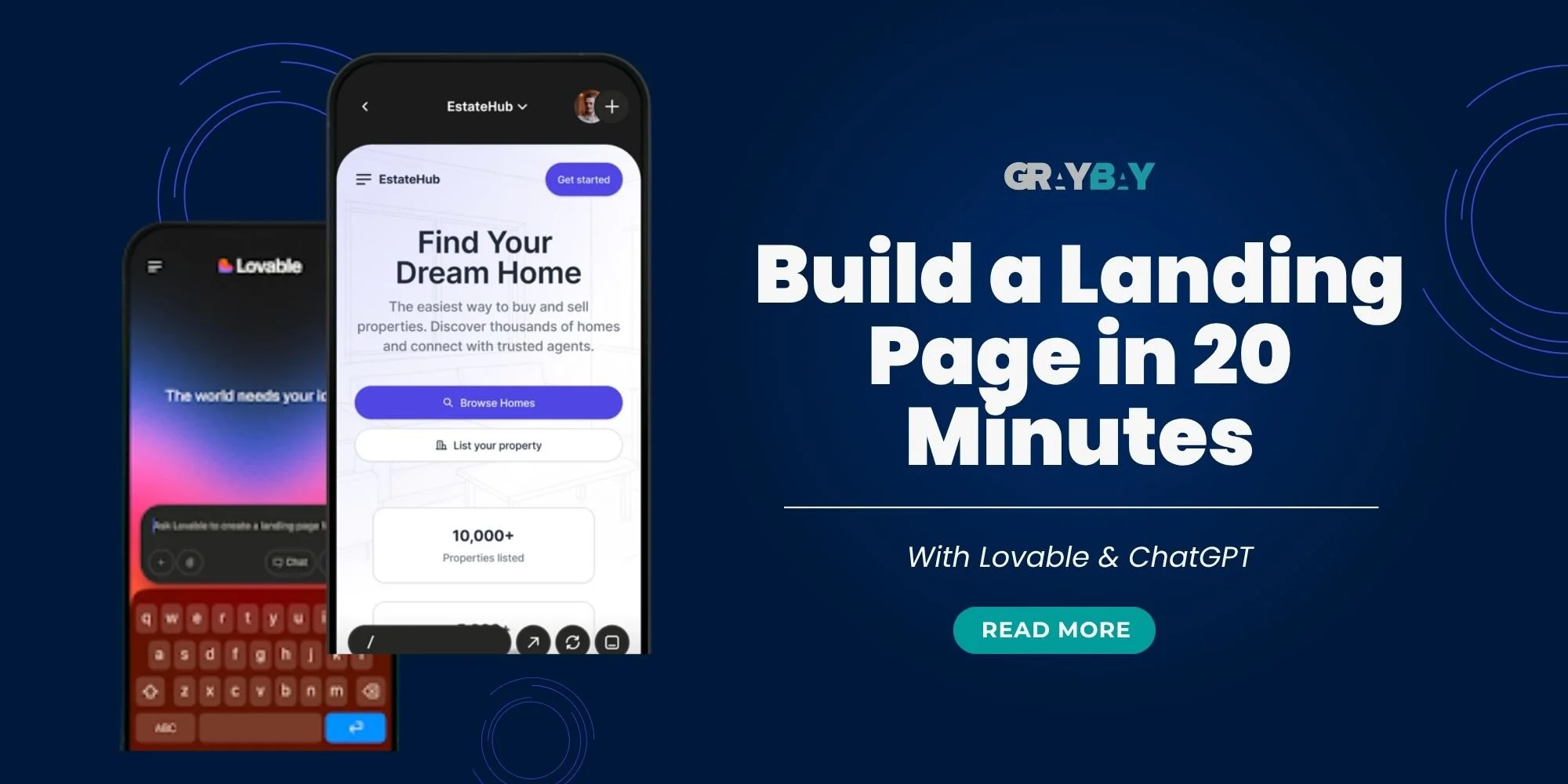
Building a landing page sounds simple until you sit down to do it. There are headlines to write, sections to organize, images to choose, forms to connect, and mobile layouts to review. A page that appears straightforward can quickly turn into a weekend project, especially if you do not have coding or web design experience.
AI is changing that workflow. With the right tools and a well-planned process, creating a landing page no longer feels like a task reserved for developers. Tools such as ChatGPT and Lovable can help turn an idea, offer, and brand direction into a working page without starting from scratch.
This guide walks you through how to build a landing page with AI step by step. You will learn how to plan your prompt, build the page in Lovable, refine the first version, apply key conversion practices, connect your email tool, check SEO settings, and test everything before publishing.
Can You Create a Landing Page With AI Without Coding?
Yes, you can create a landing page with AI without knowing how to code. Tools such as ChatGPT and Lovable let you describe your goals, layout, content, and design preferences in plain language, then turn those instructions into a working page. This approach reduces much of the manual development work, but it does not remove the need for planning and human review. You still need a clear offer, accurate copy, a focused conversion goal, and specific feedback. Basic technical knowledge may also be necessary for custom integrations, analytics, tracking, accessibility, security, or problems the AI tool cannot resolve independently.
What Is Lovable, and How Does This AI Landing Page Builder Work?
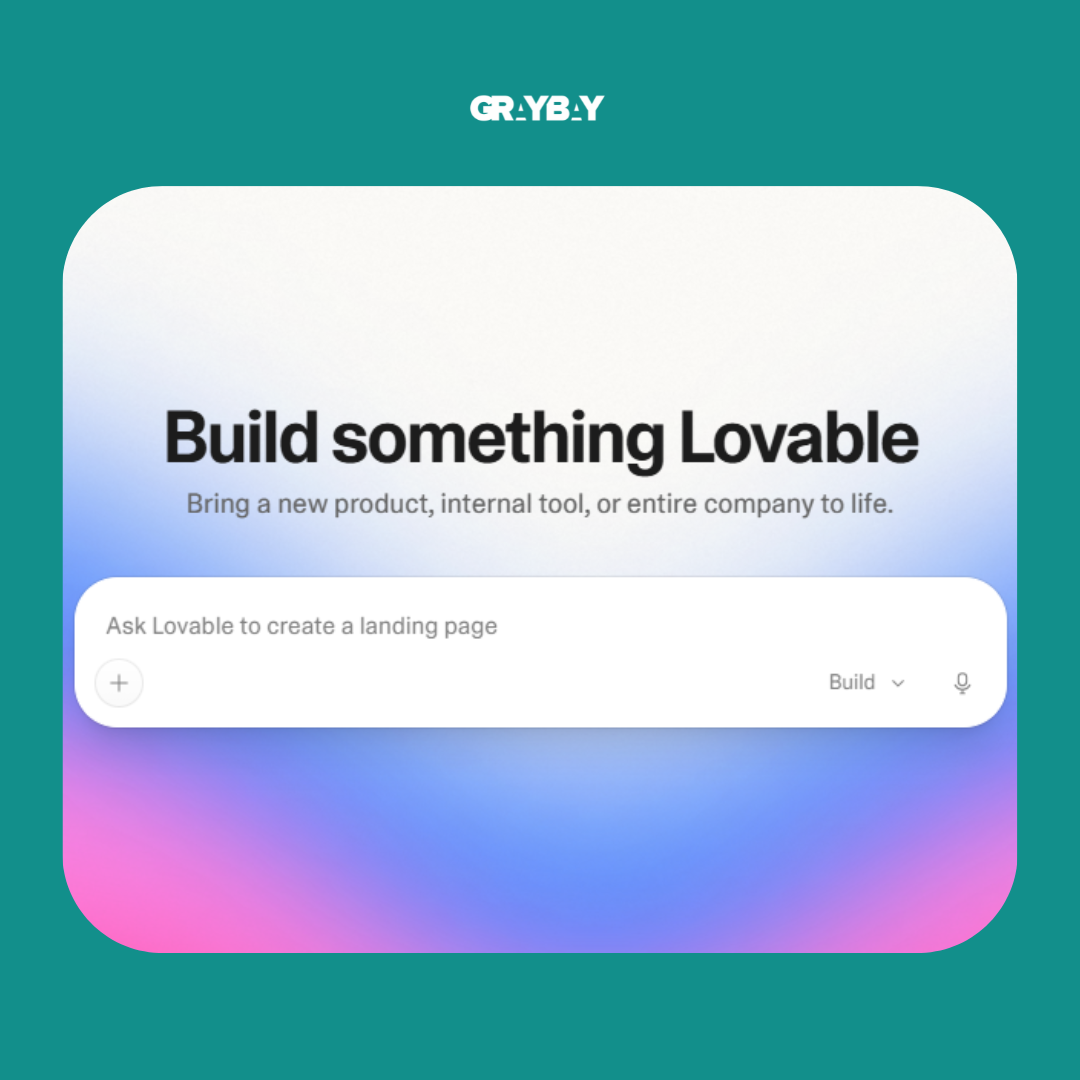
ChatGPT can help generate ideas, write copy, organize information, and work through a landing page strategy. Lovable serves a different purpose. It is an AI landing page builder and full-stack development platform that can turn natural-language instructions into an editable website or application. This conversational approach to building digital products is often described as “vibe coding.”
What Is Vibe Coding?
In simple terms, vibe coding means describing what you want to build in everyday language and letting AI handle much of the coding work behind the scenes. Instead of figuring out which programming language to use or writing every line of code yourself, you focus on the outcome you want.
For example, you could tell an AI tool that you need a landing page for a free marketing guide. You might describe the target audience, brand colors, page sections, images, form, and call to action. The tool then uses those instructions to create the page. If something looks off, you can explain what needs changing and ask it to try again.
The process feels less like traditional development and more like having a conversation with a designer and developer. You give directions, review the result, point out problems, and keep refining the page until it matches your goal.
Read more: Conversion Rate Optimization for Local Landing Pages: A Complete Guide
How to Plan Your Lovable Prompt Before Building
Learning how to build a landing page with AI starts with creating a clear prompt. Here is how to plan your instructions before you begin building:
Start With ChatGPT
ChatGPT can serve as your planning partner before Lovable starts building. Rather than jumping straight into the website builder with a vague idea, use a chat tool to organize your offer, audience, page structure, copy, and brand requirements.
Think of it as laying the groundwork before the actual build begins. The better your instructions are at this stage, the less guesswork Lovable has to do later.
Use the Context, Attachments, and Output Formula
A useful prompt can be broken into three simple parts:
Context: Explain exactly what you are building. Include your offer, target audience, main goal, and the single action you want visitors to take.
Attachments: Give ChatGPT as much useful material as you already have. Existing landing pages, screenshots, website links, brand guidelines, offer documents, product images, and other relevant assets can all provide valuable context.
Output: Tell ChatGPT exactly what you want it to produce for Lovable. Ask for the page structure, actual headline, subheading, bullet points, CTA text, sections, and design direction. Real information is far more useful than placeholders that Lovable may later have to invent.
A simple instruction such as “Ask me questions before creating the prompt” can also catch missing details before they turn into problems. Once ChatGPT has enough information, ask it to create a detailed prompt specifically for Lovable's planning mode.
Example ChatGPT Landing Page Prompt for Lovable
A practical ChatGPT landing page prompt could look something like this:
“I want to build a landing page for [offer] aimed at [target audience]. The primary goal is [desired action]. Use the attached brand guidelines, existing page, images, and offer details as your source material. Create a detailed prompt for Lovable that includes the page structure, real copy, visual direction, CTA, form requirements, mobile considerations, and conversion best practices. Do not use placeholder copy. Ask me any important questions before creating the final prompt.”
Lovable Landing Page Tutorial: How to Build One
With your prompt planned and your assets ready, the actual build can move much faster. Lovable handles the technical work while you focus on reviewing the structure, copy, and user experience. Follow these steps to build and refine your landing page in Lovable:
Step 1: Paste Your Planning Prompt Into Lovable
Sign in to Lovable, start a new project, and paste the detailed prompt you prepared with ChatGPT. Add the supporting materials you want it to reference, such as your brand guidelines, website screenshots, offer documents, and images.
If Plan Mode is available in your Lovable workspace, use it to review the proposed structure before generating the page. This gives you an opportunity to correct missing sections, unsupported content, and unclear requirements before Lovable begins the full build. You may also receive a few questions along the way. Answer them with specific details.
Step 2: Review the AI-Generated Plan
Do not hit approve the moment the plan appears. Take a few minutes to look it over carefully.
Check three things first:
Does the layout match your goal? The sections should follow a logical path from the headline and offer to the main CTA.
Is the copy accurate? Look for your actual headline, subheading, benefits, button text, and offer details. Replace anything that AI has invented.
Are the open questions answered? Vague answers can lead to vague design decisions, so give Lovable clear instructions wherever more information is needed.
Step 3: Build Around One Clear Conversion Goal
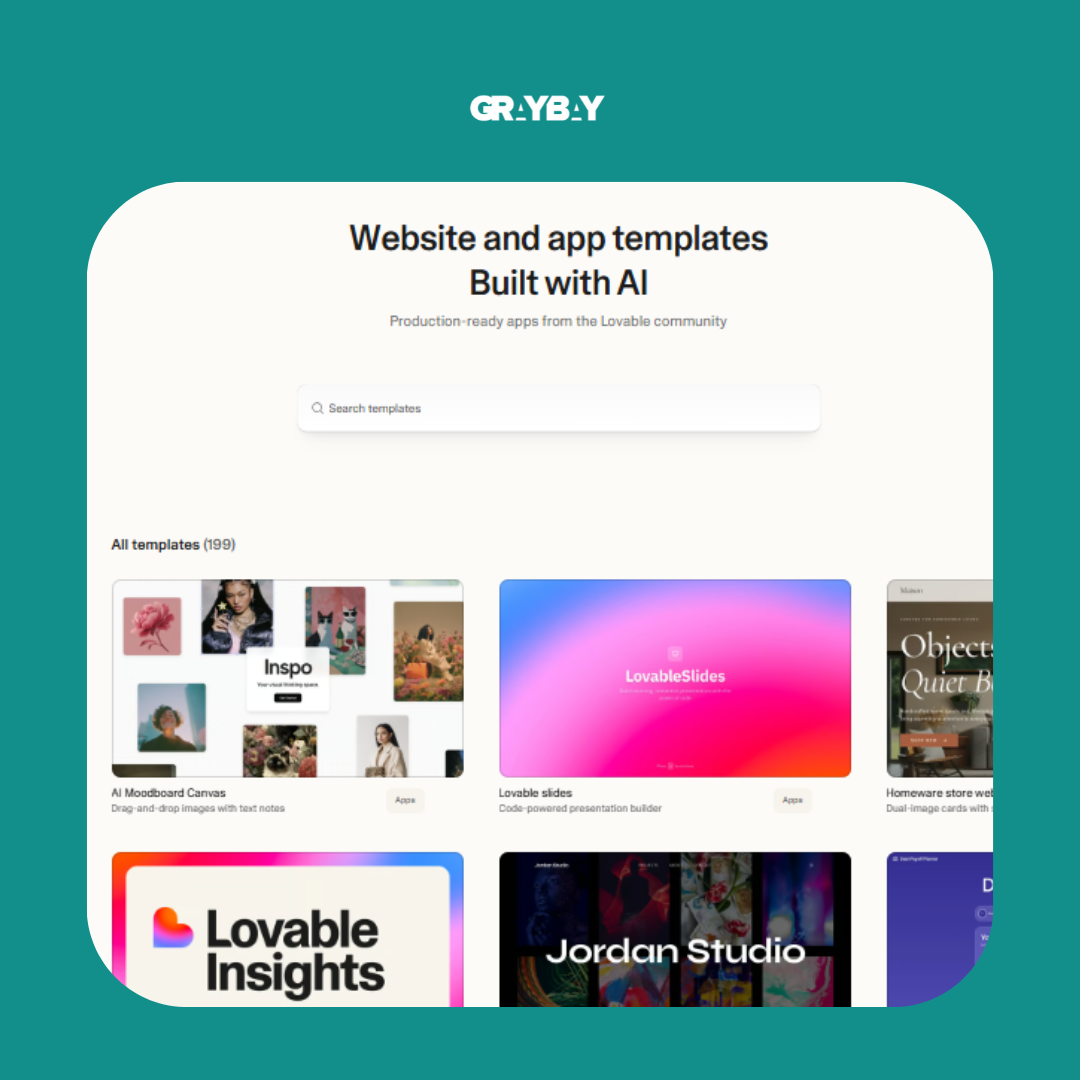
A landing page should not leave visitors wondering what to do next. The hero section should quickly communicate what the offer is, who it is for, and what action the visitor should take.
Keep the primary action front and center. Keep the form limited to the information required for the next step. For a basic lead magnet, an email address may be enough. For a consultation request, additional fields may be necessary to qualify the lead.
If the form collects personal information, place a clear privacy notice or privacy-policy link near the submission button. Add the appropriate marketing-consent language when subscribers will receive promotional emails.
Avoid unnecessary navigation and secondary links that can pull visitors away from the page. Every element should have a reason for being there and should support the main conversion goal.
Step 4: Approve the Plan and Let Lovable Build
Once the structure, copy, and requirements look right, approve the plan and let Lovable generate the first version. The first build does not need to be perfect. Think of it as a working draft that gives you something concrete to review. Look for spacing problems, missing images, awkward sections, inconsistent branding, or anything else that does not match your original instructions.
Step 5: Review the Preview Before Making More Changes
Open the generated page in preview mode and inspect it as a real visitor would.
Ask yourself:
Does the headline make sense immediately?
Is the CTA easy to spot?
Does the page flow naturally from one section to the next?
Are the images displayed correctly?
Does the design feel consistent with the brand?
Is anything unnecessary taking attention away from the main action?
Screenshots can be particularly useful here. You can send them back to ChatGPT, explain what feels wrong, and ask for a clear follow-up prompt for Lovable. This gives you a structured way to work through revisions.
Step 6: Review and Refine the Mobile Version
Switch to the mobile preview and inspect the page separately from the desktop version. Check whether the headline breaks naturally, buttons are easy to tap, forms fit the screen, images retain the correct proportions, and multi-column sections stack in a logical order.
A useful follow-up prompt is:
“Review the mobile version of this landing page. Fix unnatural headline wrapping, reduce excessive spacing, make the primary CTA easy to tap, ensure form fields fit the screen, and stack multi-column sections in the correct reading order. Do not change the approved copy or desktop design unless necessary.”
How to Connect Your Email Marketing Tool to Lovable
Once the landing page is ready, the next piece of the puzzle is making sure new leads actually go somewhere. A form that collects email addresses without connecting to your marketing system leaves you with a page that looks finished but does not complete the job. So, it’s important to connect your email marketing tool properly, and here’s how:
Set Up Your Email Marketing Workflow First
Before connecting anything to Lovable, prepare the workflow on your email marketing platform. A simple lead generation setup should include:
A dedicated or segmented list for people who submit the landing page form.
A follow up email that delivers the promised resource or explains the next step.
An automation that sends the email when a new contact enters that list.
Connect Your Email Platform to Lovable
Lovable provides connectors for supported external services and can also work with third-party APIs when a direct connection is unavailable. For example, its connector catalog currently includes HubSpot. The available actions and setup requirements can vary, so confirm that the connection supports the specific contact, list, consent, and automation behavior you need.
Inside Lovable, open the Connectors or integrations area, select the service you want to use, and follow its connection requirements. Once the connection is available to your project, you can tell Lovable what should happen when someone submits the form.
A useful prompt could be:
“Connect the landing page form to my [email marketing platform]. When someone submits their email address, add them to the [list name] list. Do not duplicate existing contacts. After a successful submission, show the confirmation message [message].”
For platforms that are not available through a native connector, Lovable can integrate authenticated APIs using protected secrets and server-side functions.
Test the Lead Capture Flow
Do not assume everything works just because the connection shows as active. Run through the complete journey yourself.
Submit the landing page form with a test email.
Check that the contact appears in the correct list.
Confirm that the automation starts.
Check that the follow-up email arrives.
Test the download or promised resource.
Make sure the confirmation message appears correctly.
The final goal is simple: someone submits the form, their information reaches the right system, and the next step happens without you having to move anything manually.
SEO Settings to Check Before Publishing
The landing page may look ready to go, but a few SEO details still need attention before you share the link. These settings help search engines and social platforms understand the page while giving visitors a clearer preview of what they will find.
| SEO Setting | What to Add | Why It Matters | Quick Check |
|---|---|---|---|
| Page Title | A concise, relevant title that describes the page and offer | Helps identify the page in browser tabs and can appear in search results | Make sure it accurately reflects the landing page |
| Meta Description | A clear description of the offer, ideally under 160 characters | Gives searchers a quick idea of what the page provides | Keep it natural, specific, and useful |
| Open Graph Image | A branded image that represents the offer | Controls the visual shown when the page is shared on supported platforms | Use a clear, properly sized image |
| URL Slug | A short, readable page address related to the offer | Makes the URL easier to understand and share | Remove unnecessary words and characters |
| Image Alt Text | Descriptive text for meaningful images | Helps provide context for images and supports accessibility | Describe the image rather than stuffing keywords |
Final No-Code Landing Page Builder Checklist Before You Publish
Finally, run through this no-code landing page builder checklist before publishing.
Content
Clear and relevant headline
Supporting subheading explains the offer
Benefits are easy to scan
CTA clearly tells visitors what to do
No placeholder text remains
Claims, statistics, and offer details are accurate
Spelling and grammar are checked
Conversion
One clear primary conversion goal
Form asks only for necessary information
CTA is easy to find
Trust signals are visible
Unnecessary navigation and distracting links are removed
Confirmation message is set up
Design
Desktop layout looks clean
Mobile layout has been reviewed
Headline breaks naturally on smaller screens
CTA button is large enough to tap
Columns stack in the right order
Images load correctly
Spacing and alignment look consistent
Brand colors and fonts are used consistently
Forms and Integrations
Form submission works
Contact reaches the correct email list or CRM
Duplicate contact handling works as intended
Follow-up email is triggered
Download or promised resource works
Confirmation or thank you message appears correctly
SEO and Sharing
Page title is added
Meta description is written
URL is short and readable
Open Graph image is added
Important images have appropriate alt text
Link preview has been tested
Final Testing
Complete the form yourself
Test the page on desktop
Test the page on mobile
Click every important button
Check every form field
Confirm the email automation
Verify the download or next step
Review the entire visitor journey from landing to conversion
One last rule: Never publish based on appearance alone. A landing page can look fantastic and still have a broken form, missing image, incorrect CTA, or failed automation. Test the complete journey yourself before the page goes live.
Read more: How to Build a High-Converting Landing Page for Catering Google Ads
How to Publish Your AI Landing Page
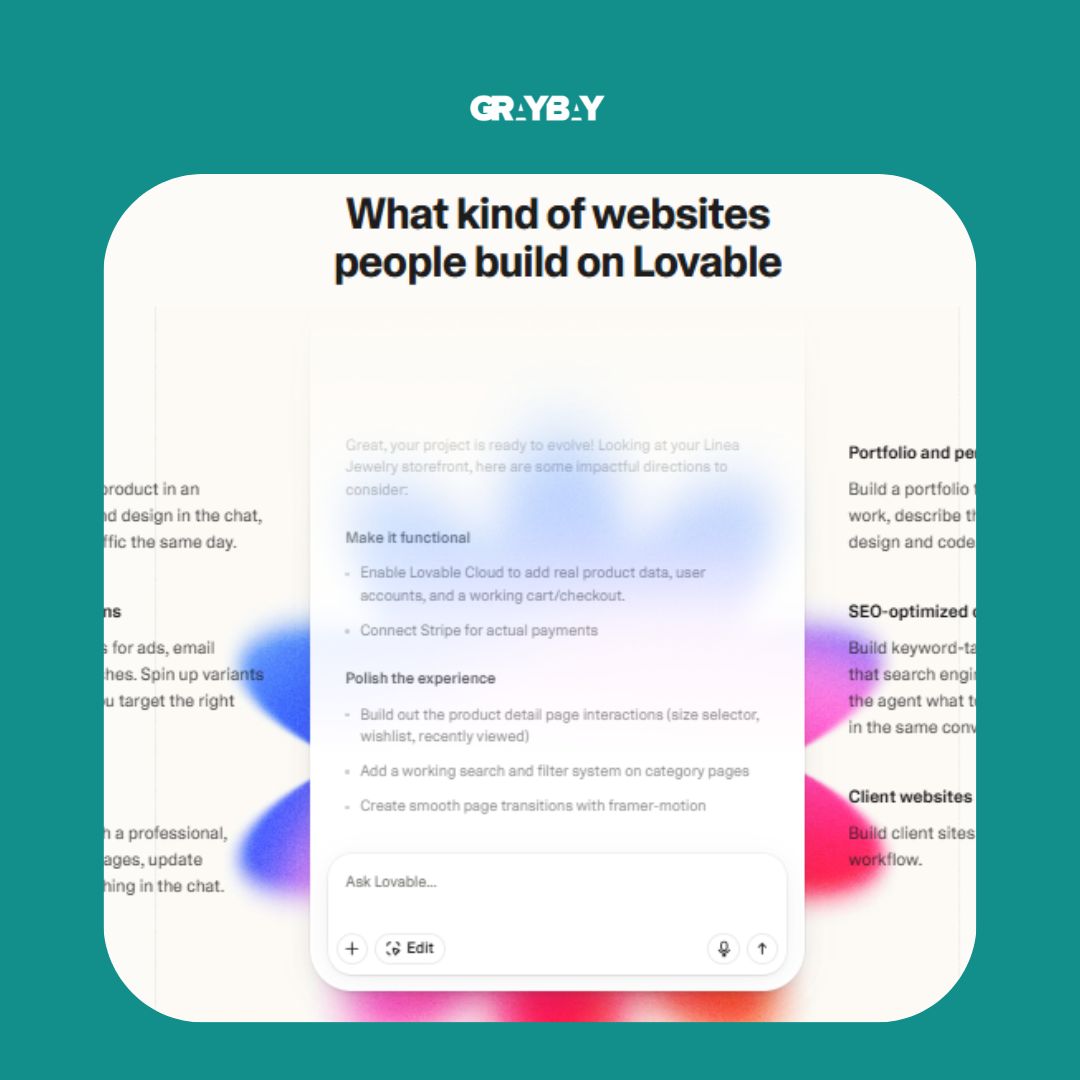
Once the page, form, integrations, and tracking have been tested, publish it to a Lovable subdomain or connect an approved custom domain. A custom domain generally provides stronger branding and a more trustworthy URL, although availability can depend on your Lovable plan.
Before directing traffic to the page:
Open the live URL in a private browser window.
Confirm that HTTPS works correctly.
Test the page on desktop and mobile.
Complete the form using the live page.
Confirm that analytics and conversion events are recorded.
Test the social-sharing preview.
Verify the canonical URL and index setting.
Check the privacy-policy and terms links.
If you make changes after publishing, review the live page again. A working preview does not always guarantee that the published page, integrations, and tracking behave exactly as expected.
Lovable currently supports publishing to a Lovable subdomain and connecting a custom domain; custom-domain access depends on the plan. [Lovable custom-domain documentation]
Final Thoughts
AI has made landing page creation faster and more accessible, but the quality of the result still depends on the strategy behind it. Learning how to build a landing page with AI becomes easier when you follow a clear process: define the offer, organize the messaging in ChatGPT, prepare detailed instructions, build the first version in Lovable, refine the page, connect the required platforms, and test the complete visitor journey.
A faster workflow does not mean skipping the important details. Strong copy, a focused CTA, mobile usability, trust signals, working forms, and final testing still shape the visitor experience. With thoughtful planning and a willingness to review what AI produces, a task that once took hours can become a much more manageable part of your marketing workflow.
Turn Your Digital Strategy Into Real Growth
A high-converting landing page is only one piece of a successful digital marketing strategy. Gray Bay Marketing brings the wider picture together with LMM SEO services, paid media agency services, and Google Ads Management, giving your brand the right mix of organic visibility, paid reach, and conversion-focused campaigns.
Ready to take your marketing beyond a single landing page? Explore Gray Bay Marketing’s digital marketing services and find the right strategy for your next stage of growth.
FAQs
Can I build a landing page with AI without knowing how to code?
Yes. ChatGPT can help plan the content and structure, while Lovable can generate the working page from natural-language instructions. You still need to verify the copy, design, mobile layout, integrations, tracking, accessibility, and live form submission before publishing.
Is Lovable good for building landing pages?
Lovable can be useful for creating functional landing pages quickly, particularly for marketers and beginners who do not want to write code manually. Its effectiveness depends heavily on the quality of the instructions and assets provided.
What should I include in a Lovable prompt?
Include your target audience, offer, conversion goal, page structure, brand guidelines, preferred visuals, actual copy, CTA, form requirements, and any relevant examples or screenshots. Specific information gives the tool less room to guess.
How does ChatGPT help with building a landing page?
ChatGPT can organize the offer, audience, conversion goal, messaging, page sections, CTA, form requirements, and visual direction into a structured prompt for Lovable. It can also help turn screenshots and revision notes into more precise follow-up instructions.
How long does it take to build a landing page with AI?
The timeline depends on the page's complexity, content, integrations, and number of revisions. A straightforward landing page can take minutes to build, while planning, refining, connecting tools, and testing can add more time.
Can AI create a high-converting landing page?
AI can help create the structure, copy, and design, but conversion results depend on the underlying strategy. A clear offer, focused CTA, strong messaging, trust signals, simple forms, and proper testing still require thoughtful human input.
What should I check before publishing an AI-generated landing page?
Check the copy, CTA, form, mobile layout, images, links, integrations, email automation, page title, meta description, social preview, and overall user journey. A complete test submission can also reveal problems that are easy to miss during development.
How can I improve an AI-generated landing page?
Screenshots and specific feedback can help identify issues with spacing, copy, layout, mobile responsiveness, and conversion elements. ChatGPT can help turn those observations into focused follow-up prompts for Lovable.
What is the difference between vibe coding and traditional website development?
Vibe coding uses natural language instructions to guide AI through much of the development process. Traditional development usually involves manually writing and managing code. AI can speed up the workflow, but testing and strategic decision-making remain essential.
Is Building a Landing Page With AI Suitable for Beginners?
Yes. Beginners can use ChatGPT and Lovable without extensive coding experience. The main learning curve involves defining a clear offer, writing useful prompts, recognizing weak AI output, connecting the necessary tools, and testing the page before publishing.