

Paying for a different AI tool every time you need a new feature can add up surprisingly quickly. One platform helps with writing, another creates images, and a third turns scripts into videos. Before long, you may have several subscriptions quietly renewing each month, even though you only use some of them occasionally.
That is where the best free AI tools can help you complete specific tasks without adding another monthly payment.
You do not always have to pay for a premium platform to get one particular job done. Free and low-cost options exist for writing, research, image creation, video generation, voiceovers, coding, website building, chatbots, transcription, and design. The challenge is working out which free plans are genuinely useful and which ones offer little more than a brief demonstration.
A platform may advertise hundreds of credits, for example, while charging a large number of credits for every generation. Another may let you create a polished video but require an upgrade before you can download it. Others restrict commercial use, add watermarks, or move their most valuable features behind paid tiers.
This guide explains how to compare those details, find suitable alternatives, and decide whether a free plan can realistically handle your work.
Quick answer: The best free AI tools provide enough recurring usage to complete a meaningful task without requiring an immediate subscription. Compare options based on output quality, usage limits, exports, watermarks, privacy terms, and commercial-use rights. Free options are available for writing, research, images, video, coding, transcription, website building, and presentations.
What Counts as Free AI Software?
Free AI software gives you access to at least some useful AI features without requiring a recurring subscription fee. That does not necessarily mean every feature is available or that you can use the platform without limits.
The free plan may include a fixed number of messages, generations, credits, or processing minutes. You may also encounter slower processing, fewer models, restricted exports, watermarks, smaller storage allowances, or limits on file uploads.
Most free AI products fall into one of the following categories.
AI Tools Without Subscription
AI tools without subscription requirements let you use certain features without committing to a monthly payment. Some still impose daily or monthly limits, such as a fixed number of messages, image generations, or video credits.
Those limits may be perfectly reasonable for occasional work. If you only need to create a few images, transcribe one meeting, or generate a short social video each month, a recurring free allowance could be enough.
The important distinction is that you can continue using the free access rather than losing it after a set trial period.
Freemium Tools
Freemium tools provide ongoing access to a limited selection of features. You can continue using the free tier or move to a paid plan if you need higher limits, better models, private projects, cleaner exports, or additional capabilities.
This model is common among writing assistants, image generators, video platforms, website builders, coding tools, and research services.
A freemium plan can be useful when your needs vary. You may use the free version most months and upgrade only when a larger project requires more capacity.
Free Trials
A free trial gives you temporary access for a fixed period, such as seven, fourteen, or thirty days. Some trials unlock most premium features, while others only provide a limited number of credits.
Trials are helpful for evaluating a platform, but they are not long-term free alternatives. Before starting one, check whether the provider requires a payment card and automatically begins billing when the trial ends.
It is also worth planning your test in advance. If you know which features and outputs you want to evaluate, you are less likely to spend half the trial learning the interface.
Open-Source Tools
Open-source AI tools work differently from hosted freemium platforms. The software or model may be available at no charge, but you may need to install it, configure it, or connect it to another application or API.
You may also need suitable hardware or paid cloud-computing resources. A demanding image or video model can be free to download while still being expensive to run at scale.
In return, open-source software may give you greater control over customization, deployment, and data handling. It can be a strong option for developers and technical teams, but the setup may be more involved than opening an account on a hosted platform.
Free Access Through Another Platform
Some services provide access to several AI models through one interface. They may offer limited free usage, allowing you to test different models without creating a paid account with every provider.
This can be convenient for comparing writing styles, research capabilities, coding performance, or image results. However, the model available through an aggregator may not have the same features, context limits, privacy controls, or update schedule as it does on its original platform.
Before signing up for any free service, check its credit allowance, reset period, available models, export restrictions, watermarks, privacy terms, and commercial-use rights. A few minutes spent reading the current plan can prevent a lot of frustration later.
Read more: 10 Best AI Tools for Content Creators to Save Time in 2026
How to Start Looking for a Free AI Alternative
Start with the job you need to complete. Instead of trying to replace an entire premium platform, identify the two or three features you regularly use.
Suppose you currently pay for an AI video platform to create short product clips for social media. You may not need its avatar builder, stock library, team workspace, or advanced editing suite. Your actual requirements might be much simpler:
Image-to-video generation
Five or six short exports per month
Suitable vertical dimensions
Acceptable video quality
No intrusive watermark
Commercial-use permission
Searching around those requirements will produce better options than looking for a free copy of the entire premium platform.
| What you need | Type of free AI tool to search for |
|---|---|
| Writing and research | AI chat or research assistant |
| Image creation | AI image generator |
| Video creation | Text-to-video or image-to-video generator |
| Video editing | AI-assisted video editor |
| Voiceovers | Text-to-speech generator |
| Voice cloning | Voice AI platform with verified cloning access |
| Website creation | AI website builder |
| App creation | AI coding or app-building platform |
| Chatbots | Knowledge-base chatbot builder |
| Branding and design | AI-assisted design platform |
| Video translation | AI dubbing or translation tool |
| Transcription | AI speech-to-text platform |
| Presentations | AI presentation generator |
Write down your essential features, expected monthly usage, required export quality, and whether you need commercial-use rights. These criteria give you something concrete to compare and make it easier to ignore features you would never use.
How We Evaluated the Best Free AI Tools
The tools in this guide were considered based on the usefulness of their free access, the range of tasks they can handle, output quality, recurring usage allowances, export options, ease of use, and the point at which an upgrade may become necessary.
A free plan should let someone complete a meaningful task, not simply open the interface or preview a locked feature. A tool that provides fewer generations but allows usable exports may be more valuable than one that advertises generous credits but blocks downloads.
Privacy and licensing matter too. A platform can produce excellent results and still be unsuitable for confidential business information or commercial work.
Free plans change frequently. The information below was reviewed in August 2026, but providers may change credits, models, features, and usage rights. Check the official pricing and terms before adding any platform to a regular workflow.
Best Free AI Tools by Category
There is no single platform that handles every task equally well. A useful writing assistant will not necessarily help you edit a video, and an impressive image generator may not offer the controls needed for product photography.
The following comparison provides a practical starting point.
| AI category | Tool to consider | Best for | Free access to check | Main limitation to check |
|---|---|---|---|---|
| AI chat and research | ChatGPT | Writing, brainstorming, research, summaries, file analysis, and general questions | Message, model, search, and file limits | Advanced tools and usage may be limited |
| AI image generation | Leonardo AI | Illustrations, product concepts, social graphics, and thumbnails | Recurring generation credits and model access | Credit consumption, resolution, and commercial terms |
| AI video generation | Kling AI | Short clips, visual scenes, product motion, and B-roll | Video credits and supported generation modes | Wait times, clip length, and watermarks |
| AI video editing | CapCut | Captions, resizing, background removal, and social edits | AI feature access and export options | Some effects, templates, and tools require payment |
| AI voice generation | ElevenLabs | Narration, voiceovers, podcasts, and audio tests | Character allowance and available voices | Commercial rights and monthly generation limits |
| AI-assisted design | Canva | Social graphics, presentations, layouts, and marketing materials | AI credits, templates, and export options | Premium assets and brand features may be locked |
| AI website building | Lovable | Landing pages, prototypes, and simple web projects | Daily build credits and monthly caps | Private projects, domains, hosting, and credit use |
| AI-assisted coding | GitHub Copilot | Code completion, explanations, debugging, and development support | Monthly completions and request limits | Advanced models and agent features may be restricted |
| AI app development | Replit | Prototypes, scripts, web apps, and coding projects | Development credits, project limits, and deployment access | Hosting, compute, and advanced development features |
| AI chatbot building | Chatbase | FAQ assistants and document-based website chatbots | Bot, message, and source limits | Branding, integrations, and conversation allowances |
| AI transcription | Otter.ai | Meetings, interviews, lectures, and audio notes | Monthly transcription minutes and import limits | File imports, meeting duration, and exports |
| AI presentations | Gamma | Drafting slides, layouts, and visual presentations | AI creation credits and export formats | Branding, advanced exports, and customization |
ChatGPT for General Writing and Research
ChatGPT is a practical starting point when you need help brainstorming, outlining, summarizing, researching a topic, analyzing a file, or working through an idea. Its broad range makes it useful for people who do not want a separate tool for every text-based task.
The free tier can handle many everyday requests, but message allowances, available models, file uploads, and research features may have limits. Those limits can also change as new models and features are introduced.
It works best when you give it context, examples, and a clear purpose. A vague request such as “write a blog” is likely to produce generic material. Sharing the audience, brand voice, search intent, required points, and examples of existing content usually leads to a more usable starting draft.
As with any research assistant, verify statistics, quotations, product information, and other details before publishing them.
Leonardo AI for Image Generation
Leonardo AI can be useful for concept art, illustrations, thumbnails, advertising ideas, product scenes, and social media visuals. Its free access generally works through recurring credits, making it more suitable for selective generation than unlimited experimentation.
Before committing to it, check how many credits your preferred model and settings consume. Features such as higher resolution, image editing, faster processing, or particular models may use more credits or require a paid plan.
Generate several test images in the dimensions you normally use. A platform may produce attractive square images but struggle with wide banners, consistent products, readable text, or realistic hands.
Commercial-use conditions also deserve attention if the images will appear in advertising, client work, packaging, or products.
Kling AI for Short Video Generation
Kling AI is worth considering for short social clips, product motion, cinematic scenes, and image-to-video experiments. Video generation is computationally expensive, so free allowances tend to feel tighter than they do with writing tools.
Do not judge the plan by its credit total alone. Check how many credits a five- or ten-second video consumes, whether failed attempts use credits, how long generation takes, and whether free exports include a watermark.
Use the same prompt and source image for several tests. Motion quality can vary considerably depending on the subject, camera direction, and amount of movement requested.
For regular client production, a paid plan may become necessary simply because video often requires several attempts before one result is usable.
CapCut for AI-Assisted Video Editing
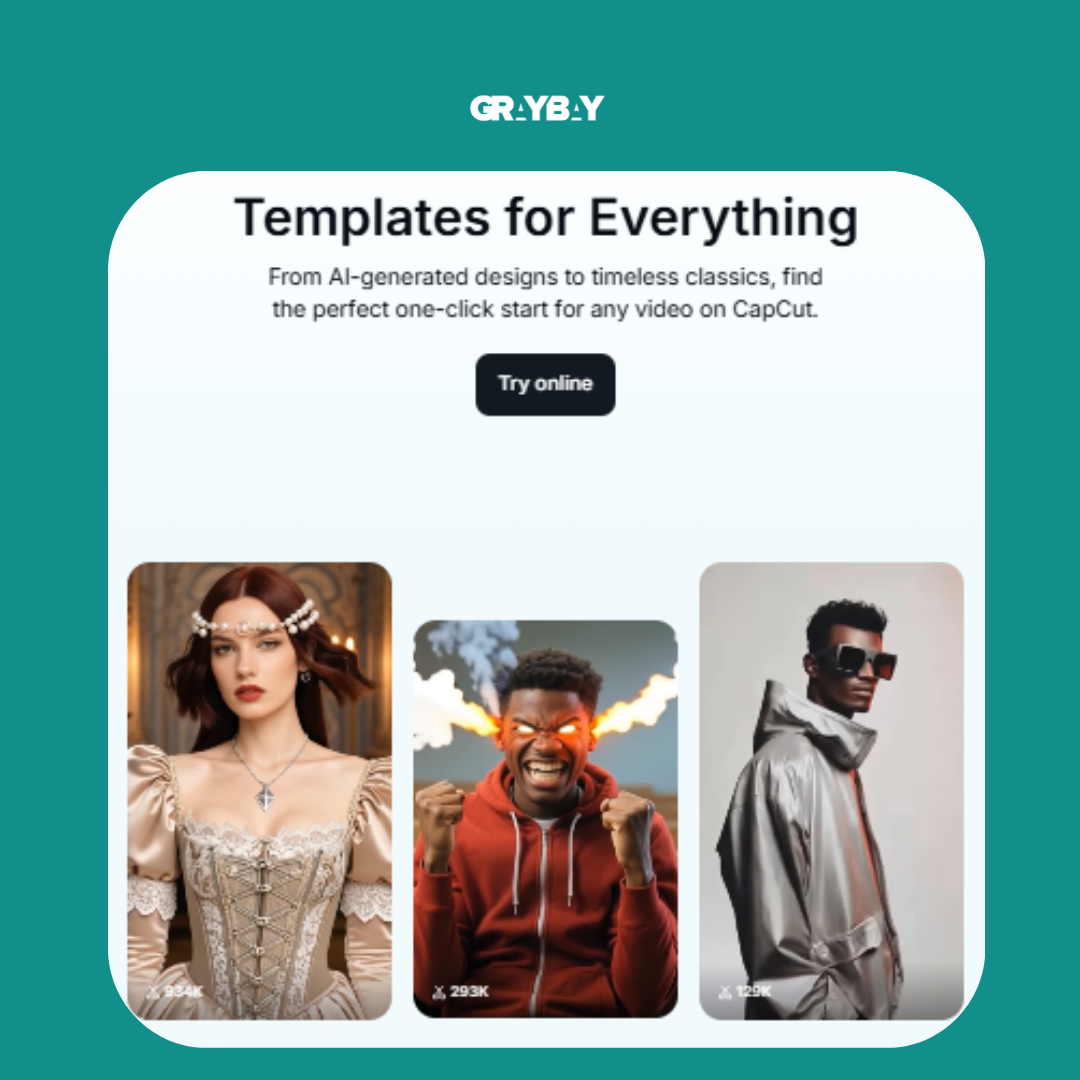
Not every project needs a fully generated video. CapCut can be a better fit when you already have footage and need captions, resizing, background removal, transitions, templates, or quick social edits.
Its free editor can handle a great deal of basic work, but some AI features, effects, media, and templates may require payment. Export rules can also vary by feature and device.
Before building a complete project around a template, check whether it uses premium assets. Otherwise, you may finish the edit only to discover that an upgrade is required to export it as expected.
CapCut is particularly useful for turning one longer video into shorter versions for different social platforms.
ElevenLabs for Voice Generation
ElevenLabs is known for natural-sounding AI voices and can help with narration, podcast tests, explainer videos, accessibility projects, and draft voiceovers.
The free allowance may be enough for short samples or occasional narration, but longer scripts can use the monthly character limit quickly. Check which voices are available, whether generated audio can be downloaded, and what rights apply to commercial projects.
Voice cloning requires additional care. Confirm that the feature is included in your plan and obtain clear permission from the person whose voice is being cloned. A freely accessible voice tool should never be treated as permission to copy someone’s identity.
Canva for AI-Assisted Design
Canva brings templates, editing, stock assets, presentations, and several AI-assisted features into one familiar interface. It is useful when you need a finished design rather than a standalone generated image.
The free plan can work well for social graphics, flyers, simple presentations, thumbnails, and marketing layouts. However, some templates, images, fonts, background-removal features, brand controls, and AI tools may be limited.
Check every asset before exporting a design. A small premium icon or image can turn an otherwise free project into a paid one.
Canva is often most effective when AI creates a starting point and a person handles the final layout, typography, spacing, and brand consistency.
Lovable for Websites and Prototypes
Lovable can turn written instructions into websites, landing pages, and simple application prototypes. Its free plan offers build credits, making it useful for testing an idea before paying for a full development setup.
Credits are consumed as you request builds and revisions, so clear instructions matter. Asking for one change at a time without a plan can use the allowance surprisingly quickly.
Before starting, outline the pages, sections, actions, visual style, and content you need. Then check the plan’s current rules for public and private projects, hosting, custom domains, code access, and monthly credit limits.
It can speed up prototyping, but generated websites still need human review for mobile behavior, accessibility, forms, analytics, SEO, security, and conversion flow.
GitHub Copilot for Coding Assistance
GitHub Copilot offers free access for individual developers with monthly limits on code completions and requests. It can help with code suggestions, explanations, documentation, tests, and debugging.
It is most valuable when used as an assistant rather than an unquestioned source of finished code. Review generated code for security issues, outdated packages, incorrect assumptions, and unnecessary complexity.
The free allowance may be enough for students, occasional coding, or smaller personal projects. Developers working throughout the day may reach the limits and benefit more from a paid plan.
Also review GitHub’s current data settings and policies before using it with private, proprietary, or regulated code.
Replit for Prototypes and App Development
Replit provides a browser-based environment for writing, running, and testing code. Its AI-assisted features can help people build prototypes, simple web apps, scripts, and internal tools.
Free access can be useful for learning or testing an idea, but deployment, compute, storage, databases, and AI development features may have separate limits.
Before choosing it as a long-term platform, consider what happens after the prototype works. Check whether you can export the code, connect a database, manage environment variables, use a custom domain, and deploy the project within your budget.
A tool that is convenient for the first version may not always be the right hosting environment for a production application.
Chatbase for Website Chatbots
Chatbase can turn documents, webpages, and FAQs into a chatbot that answers questions using a defined knowledge base. It may suit businesses that want to test a support assistant before committing to a larger customer-service platform.
Free access typically limits areas such as the number of bots, uploaded sources, messages, or integrations. Check whether website embedding, lead collection, analytics, and branding controls are included.
The quality of the source material matters as much as the chatbot itself. Outdated policies, contradictory documents, and incomplete FAQs will produce unreliable answers regardless of the underlying model.
Test the bot with real customer questions, including unclear wording and questions it should refuse to answer.
Otter.ai for Transcription
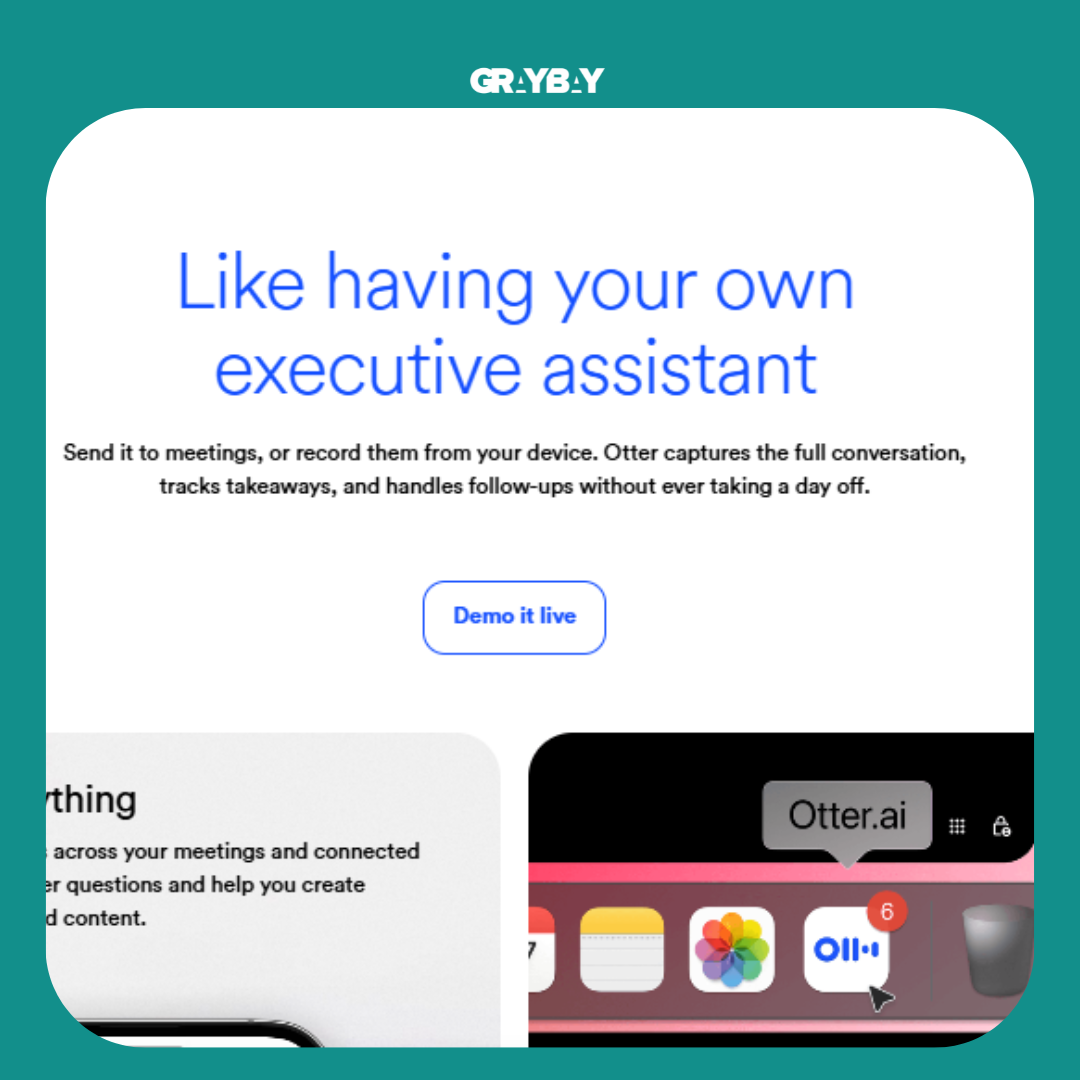
Otter.ai can convert meetings, interviews, lectures, and recorded conversations into searchable text. It can be useful for capturing rough notes and finding important sections without replaying an entire recording.
Before uploading a long file, check the current monthly minute allowance, maximum recording duration, file-import restrictions, speaker-identification features, and export formats.
Automated transcripts still require editing. Names, industry terminology, accents, overlapping speakers, and poor audio can reduce accuracy.
You should also obtain appropriate consent before recording or transcribing conversations, especially in locations where all participants must agree to the recording.
Gamma for Presentations
Gamma can help turn an outline, document, or prompt into a structured presentation. It is useful when you need an initial narrative and layout but do not want to begin with an empty slide.
Its free access may cover a limited number of AI-generated projects or credits. Check whether the available export formats, branding, themes, and customization controls meet your needs.
A generated deck should still be edited for pacing. Remove unnecessary text, verify every claim, replace generic images, and make sure each slide communicates one clear idea.
For an important sales or investor presentation, treat the generated version as a first draft rather than the final deck.
How to Find Free Alternatives to Premium AI Tools
Once you know the task and essential features, use the following methods to find free alternatives to premium AI tools.
Search by Function
Start with the job rather than the name of the platform you currently use. Try searches such as:
Free AI video generator
Free AI image generator
Free AI voice generator
Free AI website builder
Free AI research tool
Free AI chatbot builder
Free AI coding assistant
Free AI transcription tool
Add requirements such as “without watermark,” “commercial use,” “no credit card,” “open source,” or “monthly free credits” when those conditions matter.
Function-based searches can uncover smaller platforms and stop you from limiting your research to the direct competitors of one paid tool.
Search for Open-Source Options
Add “open source,” “local,” or “self-hosted” to your query when you want more control.
For example, search for “open-source AI image generator for local use” instead of looking for a free copy of one particular commercial platform. Before installing anything, check the hardware requirements, license, recent updates, security documentation, and setup instructions.
A repository with impressive sample images may still be difficult to install or no longer actively maintained.
Search Around a Specific Paid Tool
If you already know which product you want to replace, use searches such as:
[Tool name] free alternative
[Tool name] open-source alternative
[Tool name] free version
[Tool name] alternatives
[Tool name] without subscription
Then compare the results against your own requirements. An article may call a platform the best alternative because it has similar branding or features, even though its free plan does not include the one capability you need.
Look Beyond Subscription-Based Platforms
Regular AI websites are not your only source of options.
Open-Source Repositories
Repositories can help you discover models, interfaces, automation projects, coding tools, and local applications. They are most useful when you or someone on your team is comfortable with installation and troubleshooting.
Check the license, documentation, release history, open issues, and system requirements. Free software that takes days to configure may not save money if your team needs a simple tool immediately.
AI Model Directories
Model directories bring tools and models together by category. They can help you discover less familiar options for images, speech, text, coding, music, and video.
Some directories display prices or label tools as free, but that information can become outdated. Use the directory for discovery, then confirm the details on the provider’s official website.
AI Aggregators
Aggregators provide access to several models through one interface. They can be convenient when you want to compare responses without opening accounts across several services.
Check whether the aggregator changes the model’s context limit, features, privacy terms, or generation settings. Accessing a model through another service is not always the same experience as using it directly.
Product-Launch Platforms
Product-launch websites can help you spot newer AI services before they become widely known. Look beyond the product description. Review the company’s website, privacy policy, pricing, development history, and independent feedback before uploading files.
New does not automatically mean risky, but an unfamiliar tool deserves more scrutiny than an established platform with clear documentation.
How to Compare Free AI Plans
A quick AI tool comparison should focus on what you can complete, not the size of the feature list.
Use the following questions:
How often does the allowance reset? Daily credits may be more useful than a one-time signup bonus.
What consumes credits? One high-quality video may use far more credits than one draft generation.
Which models are included? The free tier may only provide access to older or smaller models.
Can you download the result? Check file types, resolution, watermarks, and export limits.
Can you use the output commercially? Client projects, advertisements, products, and resale may have different rules.
How fast is processing? Free users may enter a slower queue during busy periods.
Are projects public or private? Some free development platforms require public projects.
What happens to uploaded files? Review storage, retention, deletion, and training policies.
Does the plan require a card? If so, note when billing begins and how to cancel.
Can you leave easily? Check whether you can export your code, files, transcripts, designs, or data.
Create the same small project in two or three tools. That test will tell you more than a long feature page.
How to Decide Whether a Free AI Tool Is Worth Using
A free platform is worth testing when:
Its allowance matches your workload. Ten monthly generations may suit occasional use but not daily production.
The output meets your requirements. Review accuracy, resolution, sound quality, consistency, or code reliability based on the task.
The necessary feature is truly included. Some platforms display premium features inside the free interface but lock them when you try to use them.
You can export usable files. Check available formats, resolution, watermarks, and download restrictions.
Its license fits the project. Confirm whether the provider permits client work, advertising, resale, or other commercial uses.
The upgrade prompts do not block basic actions. A free plan should let you finish the intended task, not simply preview the platform.
Warning Signs to Check Before Signing Up
Be cautious when:
Credits disappear faster than expected. Find out what each generation, revision, or export costs.
A card is required for a free trial. Confirm the renewal date and cancellation process before starting.
Essential exports are locked. Check download options before spending time on a full project.
The watermark makes the result unusable. A watermark may be acceptable for testing but unsuitable for client work.
Commercial use is restricted. Free access does not automatically grant business-use rights.
The provider is vague about its models or data practices. Avoid uploading sensitive files when you cannot determine how they will be handled.
The product has no visible support or recent updates. An abandoned tool may present reliability and security problems.
Privacy and Security Considerations for Free AI Tools
Avoid uploading confidential client information, financial records, unpublished business plans, personal identification documents, private health information, or proprietary code until you understand how the service handles submissions.
Read the privacy policy and look for answers to a few basic questions:
Does the platform retain prompts and uploaded files?
Can submitted content be used to improve its models?
Can you opt out of model training?
Can you delete your history and uploaded data?
Does the platform use third-party model providers?
Are projects private by default?
Does the company explain how long it keeps your information?
For business use, free access may be suitable for public or low-risk tasks while remaining inappropriate for confidential material.
Do not assume that deleting a conversation removes every stored copy immediately. If the provider’s policies are unclear, keep sensitive information out of the platform.
How to Keep Finding New Free AI Tools
Free plans change as providers release new models, reduce allowances, or move features behind paid tiers. A few habits can help you keep your options current.
Check Official Announcements
Follow the official release notes or blog for tools you use regularly. The provider is usually the best source for new models, feature changes, deprecations, and updated usage limits.
Browse Reputable Directories
Directories can save time when you want to explore an unfamiliar category. Use filters to narrow the results, but verify every pricing claim on the provider’s website.
Explore GitHub Carefully
GitHub can be a valuable source of open-source AI projects. Review installation instructions, system requirements, software licenses, recent project activity, unresolved security issues, and community support before downloading anything.
Follow Useful Newsletters and Communities
A focused newsletter or knowledgeable online community can introduce you to tools you might otherwise miss. Community feedback can also reveal slow processing, hidden export restrictions, or disappointing output that is not obvious from the product page.
Treat recommendations as leads rather than proof. A positive comment written six months ago may describe a free plan that no longer exists.
Maintain Your Own Shortlist
Keep a simple record of tools you have tested. Include:
The task each tool handles
What you liked about the output
Current free allowance
Main restrictions
Commercial-use status
Date you last checked the plan
This small list can save hours when you need a tool quickly.
A Simple Free AI Tool Replacement Strategy
You do not need to test twenty platforms whenever you want to cancel one subscription. Use a short, repeatable process.
Define the task: Decide exactly what the platform needs to produce.
Identify essential features: Separate necessities from features that are merely nice to have.
Find two or three alternatives: Look for services with recurring free access.
Run the same test: Use the same prompt, file, settings, dimensions, and output requirements.
Compare the results: Review quality, speed, credit use, watermarks, and exports.
Check the terms: Confirm privacy conditions, licensing, and commercial-use rights.
Choose the best fit: Select the platform that handles your normal workload with the fewest compromises.
Suppose you need short cinematic clips from product photographs. Give each video tool the same image, prompt, aspect ratio, and duration. One may create better movement, while another produces more reliable details. A third may offer fewer credits but provide clean exports.
The best choice is not necessarily the one with the longest feature list. Choose the platform that completes your task reliably without introducing unacceptable limits, privacy concerns, licensing restrictions, or unexpected costs.
Final Thoughts
You do not need a paid subscription for every AI-assisted task. Free tools may be sufficient for occasional writing, research, image creation, video generation, coding, transcription, or website development.
The best free AI tools are the ones that match your workload, quality requirements, and intended use. Test the output, confirm the recurring allowance, review privacy and licensing terms, and make sure you can export the files you need.
A paid plan may still be the better choice when a platform saves your team significant time or supports an important daily workflow. The point is not to avoid every subscription. It is to stop paying for tools that do not provide enough value to justify their cost.
Review your shortlist periodically because free plans, models, and usage limits can change. Recording when you last checked each tool will make future decisions easier.
Read more:The AI Skills Every Digital Marketer Needs to Succeed in 2026
Need Help Putting AI to Work for Your Business?
Free tools can help you test ideas, automate basic tasks, and reduce unnecessary software costs. Choosing a platform, however, is only one part of building a useful marketing system.
If you want to connect AI with search, advertising, content, and long-term growth, Gray Bay Marketing can help.
Explore our digital marketing services to see how we support businesses across search, advertising, creative work, and digital strategy. You can also learn about our LLM SEO services if you want to strengthen your visibility in AI-powered search experiences.
Already investing in paid search? Our Google Ads management services can help you improve campaign structure, track conversions, manage spending, and make clearer performance decisions.
The right tool can save time. A well-planned strategy makes that saved time useful.
FAQs
What are the best free AI tools for everyday tasks?
The right tools depend on the task. Chat and research platforms can support writing, brainstorming, and analysis, while specialized services handle images, video, coding, transcription, design, websites, and presentations. Compare recurring limits, output quality, exports, privacy, and commercial-use rights before choosing one.
Are free AI tools actually free?
Some are completely free, while others provide a limited freemium plan or temporary trial. Check whether the allowance resets, whether a card is required, which features are restricted, and whether hosting, APIs, or computing resources create additional costs.
How can I find a free alternative to a paid AI tool?
Identify the specific feature you use, your expected monthly volume, required output quality, and any export or commercial-use requirements. Then compare two or three function-based alternatives using the same test task.
Are open-source AI tools free to use?
Many open-source products do not require a software subscription, but they may require technical setup, suitable hardware, paid cloud computing, hosting, or API access. Check the project’s license, security documentation, system requirements, and recent maintenance activity before installing it.
What should I check before using a free AI tool?
Review its recurring usage allowance, output quality, available models, export options, watermarks, storage, privacy policy, and commercial-use terms. Also check how the provider handles prompts, uploaded files, and generated content.
Can I use free AI tools for business?
It depends on the platform’s license and free-plan terms. Confirm whether the provider permits client work, advertising, resale, and other commercial applications. Review its privacy and data-retention policies before uploading business information.
Which free AI tools allow commercial use?
Commercial-use permissions vary by platform, model, and plan. Some providers allow business use of free outputs, while others require a paid plan or restrict resale, advertising, and client work. Review the current license for both the platform and the model used to create the output.
Are free AI tools safe for confidential information?
Not every free platform is suitable for confidential data. Before uploading client files, financial information, personal records, or proprietary content, check how the provider stores, processes, retains, and uses submissions. Use approved business systems when sensitive information is involved.
Are free AI tools good enough for professional work?
They can be when their output quality, reliability, allowance, privacy controls, and license meet the project’s requirements. Test the platform on a low-risk task before incorporating it into an important workflow.
When should I pay for an AI tool?
A paid plan can make sense when you regularly reach the free limit, need private projects, require advanced models or clean exports, or depend on the platform for daily work. A free plan gives you a chance to test the service before deciding whether its additional capacity will save enough time to justify the cost.