
How to Use Claude AI to Optimize Meta and Google Ads Performance

You’re juggling multiple ad accounts—Meta on one side, Google Ads on the other—and trying to figure out why some campaigns skyrocket while others barely move. Late nights are spent tweaking headlines, swapping images, and adjusting audiences, yet the results still feel unpredictable. Every change seems to trigger another question: “Am I targeting the right people? Did that last adjustment help or hurt performance?”
This is exactly where Claude AI for ads steps in. Instead of guessing which tweaks will work, Claude AI helps you analyze data, optimize campaigns, and uncover insights that can save hours of trial-and-error. By automating repetitive tasks and suggesting smarter strategies, it gives you the confidence to focus on creativity and growth while your ads run efficiently.
By the end of this guide, you’ll know how to set up Claude AI for both Meta and Google Ads, make your campaigns more effective, and get measurable results without the constant stress.
Key Takeaways:
Claude AI helps optimize Meta and Google Ads through automation and data insights
Improves targeting, ad copy, and budget allocation
Works best when paired with a human strategy
What is Claude AI?
Imagine having a smart assistant that never sleeps, constantly analyzing your ad campaigns and suggesting ways to improve performance. That’s essentially what Claude AI for ads does. It uses artificial intelligence to process large amounts of data, spot patterns, and make recommendations that help your ads perform better on both Meta and Google platforms. For beginners and busy marketers, this means less guesswork and more reliable results.
At the same time, Claude AI for advertising campaigns provides a broader perspective across multiple campaigns. Whether it’s tracking engagement, optimizing audience targeting, or identifying which creatives are resonating, it acts like a digital co-pilot, helping advertisers streamline their workflow and make smarter, data-backed decisions.
With its combination of real-time insights and automation, Claude AI isn’t just a tool—it’s a partner in running campaigns efficiently and effectively.
Read more: Google Ads Strategy for Catering Companies in the San Francisco Bay Area
Understanding Claude AI for Meta Ads
Running ads on Meta platforms—Facebook, Instagram, and Messenger—requires constant monitoring of audiences, placements, and creative performance. Claude AI for ads simplifies this by analyzing Meta Ads campaign data in real time, highlighting which ad sets, audiences, or creatives are performing best.
With Claude AI for advertising campaigns, automated suggestions for budget allocation, audience refinement, and creative adjustments are tailored specifically for Meta’s ad ecosystem. High-performing ad sets can be scaled automatically, while underperforming ones get optimization recommendations based on engagement and conversion trends.
It also provides actionable insights for ad copy, images, and video content within Meta Ads, helping marketers refine campaigns without manual trial-and-error.
How to Set Up Claude AI for for Meta Ads
Here is a clear, step-by-step guide for connecting, importing, and optimizing your Meta Ads campaigns with Claude AI efficiently and securely.
Step 1 – Connect Your Meta Ads Account
Direct integration with Facebook and Instagram accounts allows Claude AI for ads to access campaign data for real-time analysis. Permissions for ad metrics and campaign management are handled securely through Meta’s platform, ensuring AI-powered ad optimization with Claude can provide recommendations without compromising account security.
Step 2 – Import Campaigns and Settings
Targeting parameters, ad creatives, and budget preferences are imported from Meta Ads automatically. Historical performance data helps Claude AI generate optimized strategies for ongoing campaigns.
Step 3 – Configure Audience Segments
Existing audience groups and custom audiences from Meta Ads can be synced. Claude AI analyzes engagement patterns to identify high-performing segments and recommends adjustments for better targeting.
Step 4 – Upload Creatives and Ad Copy
Images, videos, headlines, and call-to-actions from Meta Ads are uploaded into Claude AI. The platform evaluates past performance and suggests variations to improve engagement and conversions.
Step 5 – Set Budgets and Bidding Preferences
Budget allocations and bidding strategies from Meta Ads are imported. Claude AI continuously monitors results and can recommend adjustments to maximize ROI without manual intervention.
Step 6 – Enable Automated Insights and Monitoring
Real-time reporting dashboards track ad performance, audience engagement, and conversions. Claude AI alerts marketers to underperforming ads and highlights top-performing campaigns for scaling.
AI Prompts for Meta Ads Using Claude AI
Meta Ads campaigns require clear, targeted prompts to guide Claude AI in generating the most effective ad variations and optimizations. Here is a table summarizing essential AI prompts for Meta Ads:
| Prompt Type | Purpose | Example |
|---|---|---|
| Audience Targeting | Refine audience segments based on behavior and demographics | "Identify audiences most likely to engage with a summer sale campaign" |
| Ad Copy Generation | Suggest headlines, captions, and CTA improvements | "Generate 3 engaging headlines for a new skincare product ad" |
| Creative Recommendations | Recommend images, videos, or carousel layouts | "Suggest creative formats that increase engagement for lifestyle products" |
| Budget Allocation | Optimize budget across campaigns or ad sets | "Allocate $500 across 3 ad sets to maximize conversions" |
| Performance Insights | Identify high and low performing ads | "Highlight ad sets with lowest CTR and recommend improvements" |
How to Use Claude AI for Ad Copy? (Meta Ads)
Claude AI for ads helps marketers create ad copy tailored to specific audiences and campaign goals. By analyzing previous campaign performance, click-through rates, and engagement metrics, Claude AI generates headlines, captions, and call-to-actions that resonate with users on Facebook, Instagram, and Messenger.
Key features for Claude AI for ad copy on Meta Ads:
Audience-Aware Copy: Generates headlines and captions that align with audience interests, demographics, and past behavior.
Multi-Format Adaptation: Suggests variations for single images, carousels, and video ads to maximize engagement.
A/B Testing Support: Produces multiple copy options to test performance efficiently.
CTA Optimization: Recommends action-oriented phrases that encourage clicks or conversions.
Read more: Email Marketing vs Social Media for Local Service Businesses
Understanding Claude AI for Google Ads
Claude AI for ads uses machine learning to evaluate campaign performance across search, display, and video networks. Data is processed in real time, identifying patterns that human monitoring might miss and suggesting actionable improvements to improve click-through rates, conversions, and overall ROI.
With Claude AI for digital advertising, marketers can track performance across multiple campaigns simultaneously, optimizing keyword targeting and ad copy while minimizing wasted spend. Historical data and predictive insights help identify which audiences and search queries are most likely to convert, allowing campaigns to run more efficiently without constant manual input.
This tool also provides insights for ad testing, showing which headlines, descriptions, and creative formats perform best, while automatically pausing underperforming ads.
How to Set Up Claude AI for Your Google Ads Account?
Here is a detailed guide to linking your Google Ads account with Claude AI, ensuring smooth automation and accurate performance tracking across campaigns.
Step 1 – Connect Your Google Ads Account
Account connection allows Claude AI for ads to access campaign metrics, keyword performance, and audience insights in real time. Secure permissions ensure the tool can monitor, analyze, and suggest optimizations without compromising account security.
Step 2 – Import Campaigns and Existing Settings
Existing campaigns, ad groups, and budget configurations are imported from Google Ads automatically. Historical data helps Claude AI identify high-performing keywords and underperforming ad sets for better campaign management.
Step 3 – Configure Audience and Targeting Options
Custom audiences, demographic filters, and remarketing lists can be synced from Google Ads. The AI assistant for managing ads evaluates these segments and recommends adjustments to improve targeting precision and engagement.
Step 4 – Upload Creatives and Ad Assets
Ad copies, headlines, images, and videos are imported for evaluation. Claude AI analyzes which combinations generate the highest conversions and flags underperforming assets.
Step 5 – Set Budgets and Bidding Preferences
Budget allocations and bidding strategies from Google Ads are imported. Claude AI monitors performance trends and recommends bid adjustments to maximize ROI while reducing wasted spend.
Step 6 – Enable Real-Time Insights and Automation
Automated dashboards provide live performance data, highlighting top-performing campaigns and alerting to low-performing ads. Recommendations for keyword adjustments, ad rotation, and audience targeting are continuously provided, reducing manual monitoring.
What are the Best Claude AI Prompts for Google Ads?
Google Ads campaigns work differently from Meta Ads, requiring prompts that focus on keywords, search intent, ad copy, and bidding strategies. Here is a table summarizing essential AI prompts for Google Ads:
| Prompt Type | Purpose | Example |
|---|---|---|
| Keyword Optimization | Suggest high-performing keywords for campaigns | "Identify top 10 converting keywords for running shoes" |
| Ad Copy Suggestions | Generate search ad headlines and descriptions | "Create 3 headlines for a Google Ads campaign promoting a summer sale" |
| Audience Segmentation | Recommend audience filters or remarketing lists | "Find audiences most likely to purchase within 7 days of site visit" |
| Bidding Strategy | Suggest adjustments for CPC, CPA, or ROAS | "Optimize bids for highest ROI in Google Shopping campaign" |
| Campaign Performance Analysis | Identify underperforming ad groups and keywords | "Highlight low-performing keywords and recommend replacements or bid changes" |
How to Use Claude for Ad Copy? (Google Ads?)
For Google Ads, ad copy must match search intent while incorporating keywords for high-quality scores and ad relevance. Claude AI for ads evaluates historical performance, keyword data, and competitor trends to generate headlines and descriptions that increase CTR and conversion rates.
Key features for ad copy creation on Google Ads include:
Keyword Integration: Produces copy that naturally includes high-performing keywords while maintaining readability.
Intent-Based Messaging: Suggests ad descriptions targeting users at different stages of the buyer journey.
Responsive Search Ads Support: Creates multiple headline and description variations optimized for Google’s automated testing.
Performance Insights: Flags underperforming copy and recommends tweaks based on engagement data.
With Claude AI, Google Ads campaigns maintain relevance, maximize quality scores, and save time on manual copywriting while improving overall campaign efficiency.
Best AI Tools for PPC Campaigns
Managing paid ads across different platforms becomes much easier with the right tools in place. Whether you're managing campaigns in-house or investing in Paid Media Services, a strong mix of automation, analytics, and creative support helps reduce manual work while improving overall performance. Below are some widely used platforms that support better campaign management and smarter decision-making:
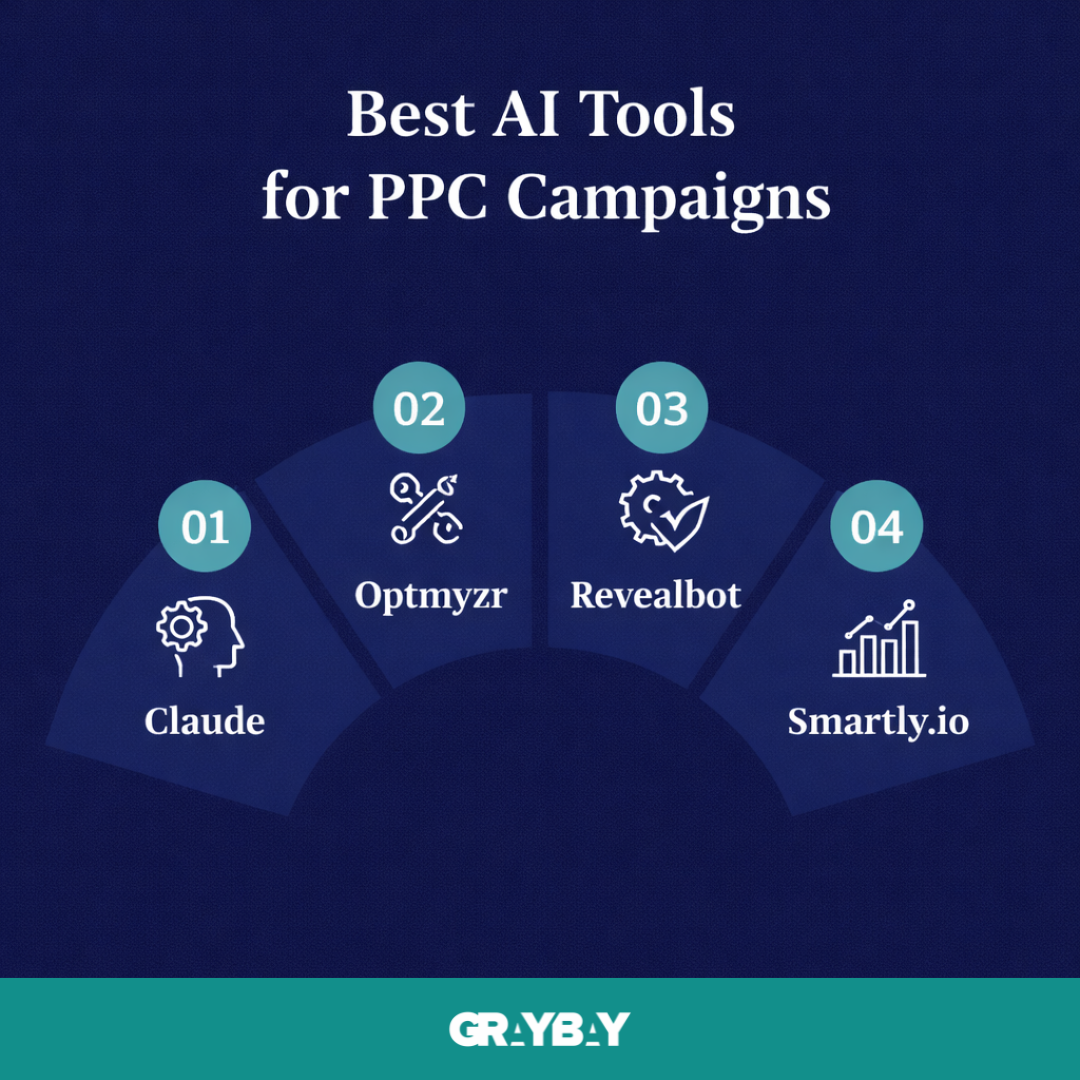
1. Claude
A powerful AI assistant designed to support campaign analysis, ad copy creation, and strategic planning. Large volumes of data get processed quickly, helping identify patterns and performance gaps. Useful insights allow marketers to refine targeting, improve creatives, and make informed decisions without constant manual effort.
2. Optmyzr
A dedicated PPC management platform built for advertisers who need more control over campaign performance. Advanced features support bid adjustments, keyword optimization, and detailed reporting. Custom rules and automation workflows help maintain efficiency while keeping strategy aligned with campaign goals.
3. Revealbot
An automation-focused tool that supports Meta and Google Ads management. Performance-based rules allow campaigns to adjust budgets, pause low-performing ads, and scale successful ones automatically. Less time spent on monitoring leads to more focus on strategy and creative improvements.
4. Smartly.io
A comprehensive solution for brands managing large-scale social media campaigns. Creative production, automation, and performance tracking exist within a single platform. High-volume advertisers benefit from faster testing, better optimization, and streamlined campaign execution.
A combination of these tools often delivers the best results, depending on campaign size, budget, and overall advertising goals.
Final Words
Managing ad campaigns on multiple platforms can feel overwhelming, especially when trying to juggle Meta and Google Ads at the same time. Tools like Claude AI for ads make this process smarter and more efficient, but they work best when paired with your strategy and insights.
AI can analyze data faster, suggest optimizations, and even help create ad copy that resonates with your audience, but human oversight ensures campaigns stay aligned with your goals. Whether you’re running a small business, an e-commerce store, or managing multiple clients, Claude AI can save time, reduce wasted spend, and improve overall performance.
The key takeaway: Claude AI is not a replacement for strategy—it’s a powerful assistant that amplifies your efforts and gives you more control over results. Using it consistently, with well-crafted prompts and clear campaign goals, allows advertisers to focus on creativity and growth rather than repetitive tasks.
Want Your Ads to Perform Smarter and Faster?
Managing AI-powered campaigns becomes much easier with the right team behind you. Gray Bay Marketing offers Facebook ads marketing agency services, Google Ads campaign management services, and customized digital marketing solutions that help businesses improve campaign efficiency, increase qualified traffic, and turn more clicks into customers.
Let's create an advertising strategy that helps your business stay ahead in an AI-driven marketing landscape.
FAQs
What kind of ads work best with Claude AI?
Claude AI works well with both Meta and Google Ads, including search, display, video, and carousel campaigns. High-engagement and conversion-focused ads benefit most from AI analysis.
Can beginners rely fully on Claude AI?
Beginners can use Claude AI to automate optimizations and ad copy suggestions, but monitoring results and refining strategy ensure the best outcomes.
How long before Claude AI shows performance improvements?
Performance improvements can often be seen within the first few days of running campaigns, but consistent use over 2–4 weeks provides more reliable insights.
Does Claude AI work for both small and large ad budgets?
Yes, Claude AI adapts to campaigns of all sizes, optimizing spend efficiently while reducing wasted budget regardless of scale.
Can Claude AI manage multiple campaigns at once?
Absolutely. It tracks performance across multiple Meta and Google Ads campaigns, providing actionable insights and suggestions for each one simultaneously.
What are the best AI tools for PPC campaigns?
The top AI tools for PPC campaigns include WordStream Advisor, Revealbot, Adzooma, Optmyzr, and Smartly.io, all of which help automate bidding, optimize targeting, and improve ad performance.