
How to Create a Robots.txt File for AI: What to Allow & Why It Matters

Most website owners never think twice about a file that’s only a few lines of text. Yet that file – robots.txt – shapes how search engines and AI tools access your website. At Gray Bay Marketing, our SEO marketing approach helps businesses stay visible in search while protecting the value of their content. That means understanding how to create a robots.txt file for AI and using it strategically.
In today’s web, this small directive isn’t just about SEO marketing – it’s about data protection, crawl efficiency, and maintaining control over how your content is used. For business owners competing in AI-driven search results, this simple file can influence how much of your work gets indexed, displayed, or even reused.
What a Robots.txt File Does
A robots.txt file sits quietly at the root of your site (for example, yourdomain.com/robots.txt). It tells web crawlers which areas of your site they’re allowed to access and which they should skip.
It uses two simple directives:
User-agent: identifies the crawler (e.g., Googlebot, GPTBot).
Disallow/Allow: defines what that crawler can or cannot access.
For example:
User-agent: *
Disallow: /private/
Allow: /public/
While it doesn’t enforce security, it sets clear expectations. Well-behaved crawlers, like Google’s, will respect it. Others may not. But even with its limitations, a clear robots.txt file helps your site communicate with automated visitors effectively.
When you understand how to create a robots.txt file for AI, you’re not just managing visibility – you’re shaping how your digital assets are treated by the expanding world of bots and algorithms.
Search Engine Crawlers vs. AI Crawlers
Understanding the difference between search engine crawlers vs. AI crawlers is essential to making informed access decisions.
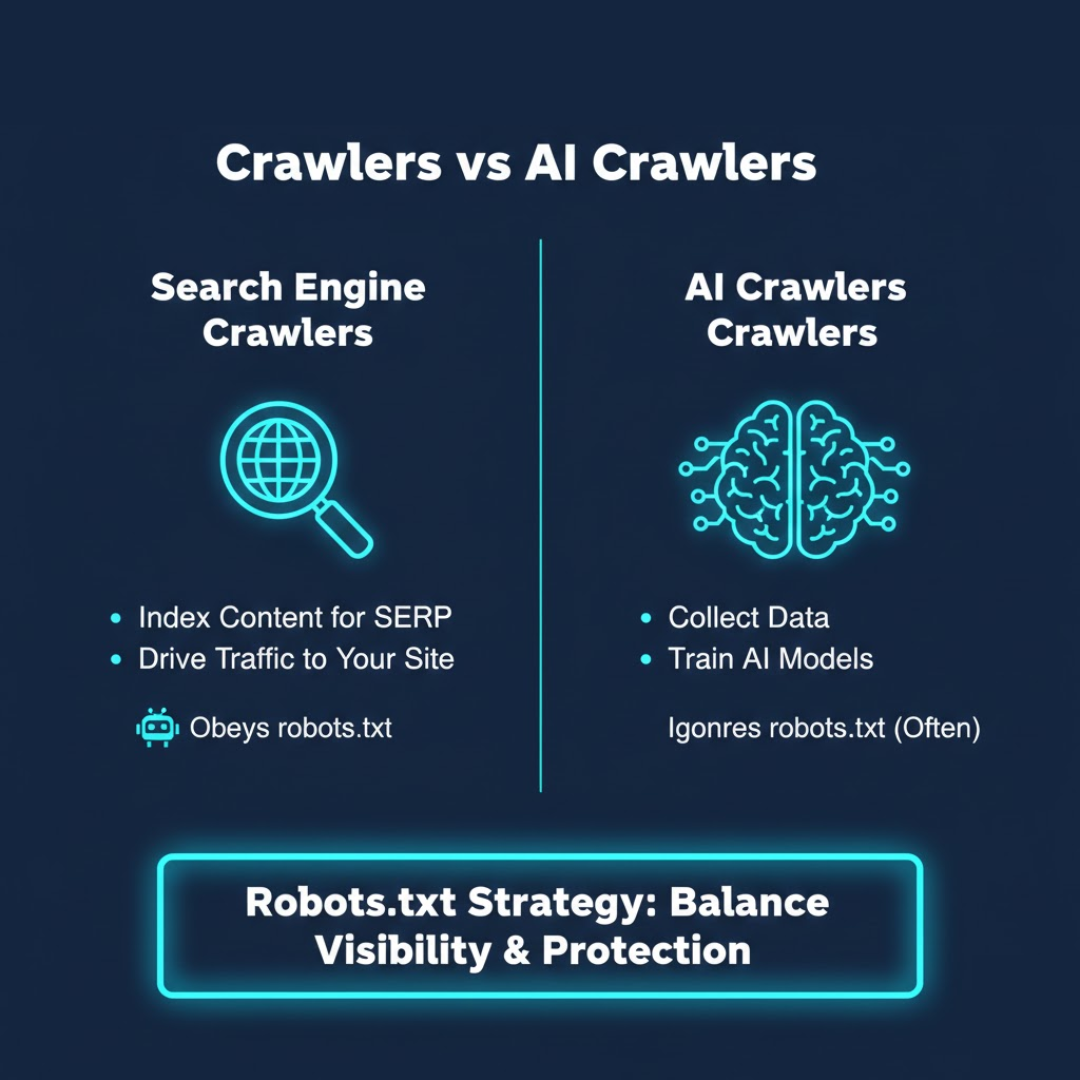
Search engine crawlers (like Googlebot and Bingbot) index your content to help you appear in search results. They follow established protocols and support discoverability.
AI crawlers, such as OpenAI’s GPTBot or PerplexityBot, collect data to train generative AI models. Their goal isn’t to drive traffic to your site – it’s to learn from your content.
While most search engine crawlers obey robots.txt instructions, many AI crawlers do not. Some identify themselves transparently; others mask their user-agent to avoid detection.
This growing divide means your robots.txt strategy now needs to balance visibility with protection. Knowing how to create a robots.txt file for AI is now a core part of technical SEO – not just to safeguard content, but to maintain authority and credibility in an AI-driven digital ecosystem.
How to Manage AI Bots With Robots.txt
Let’s talk about how to manage AI bots effectively. The goal isn’t to block everything that moves – it’s to build a clear set of rules that protect your site while preserving SEO value.
Here’s an example of a focused setup:
User-agent: GPTBot
Disallow: /
User-agent: CCBot
Disallow: /
User-agent: *
Allow: /
This configuration tells AI crawlers like GPTBot and Common Crawl to stay out while allowing trusted search engine crawlers to continue indexing.
A solid management process includes:
Identifying active bots using server logs or analytics tools.
Prioritizing SEO crawlers and restricting AI or unknown agents.
Testing your setup using Google’s Robots.txt Tester.
Reviewing quarterly, since new AI crawlers appear frequently.
Once you understand how to create a robots.txt file for AI, you can update permissions quickly and confidently as the web evolves.
Website Data Protection From AI Crawlers
Blocking bots is one step. True website data protection from AI crawlers requires a layered defense. Robots.txt serves as your first communication line – not your only safeguard.
Consider additional measures:
Add licensing terms that define how your content may be used.
Implement firewall or CDN rules, like Cloudflare’s AI Scrape Shield.
Use meta directives such as noai or noimageai for page-level control.
Monitor logs for unusual scraping or high-frequency bot hits.
These steps complement robots.txt, giving you greater control over how your content is accessed and repurposed.
For most businesses, the goal isn’t to vanish from the web – it’s to stay visible where it matters and protected where it doesn’t. By learning how to create a robots.txt file for AI, you build a smarter first line of defense that works alongside your SEO marketing strategy.
How to Create and Test Your Robots.txt File
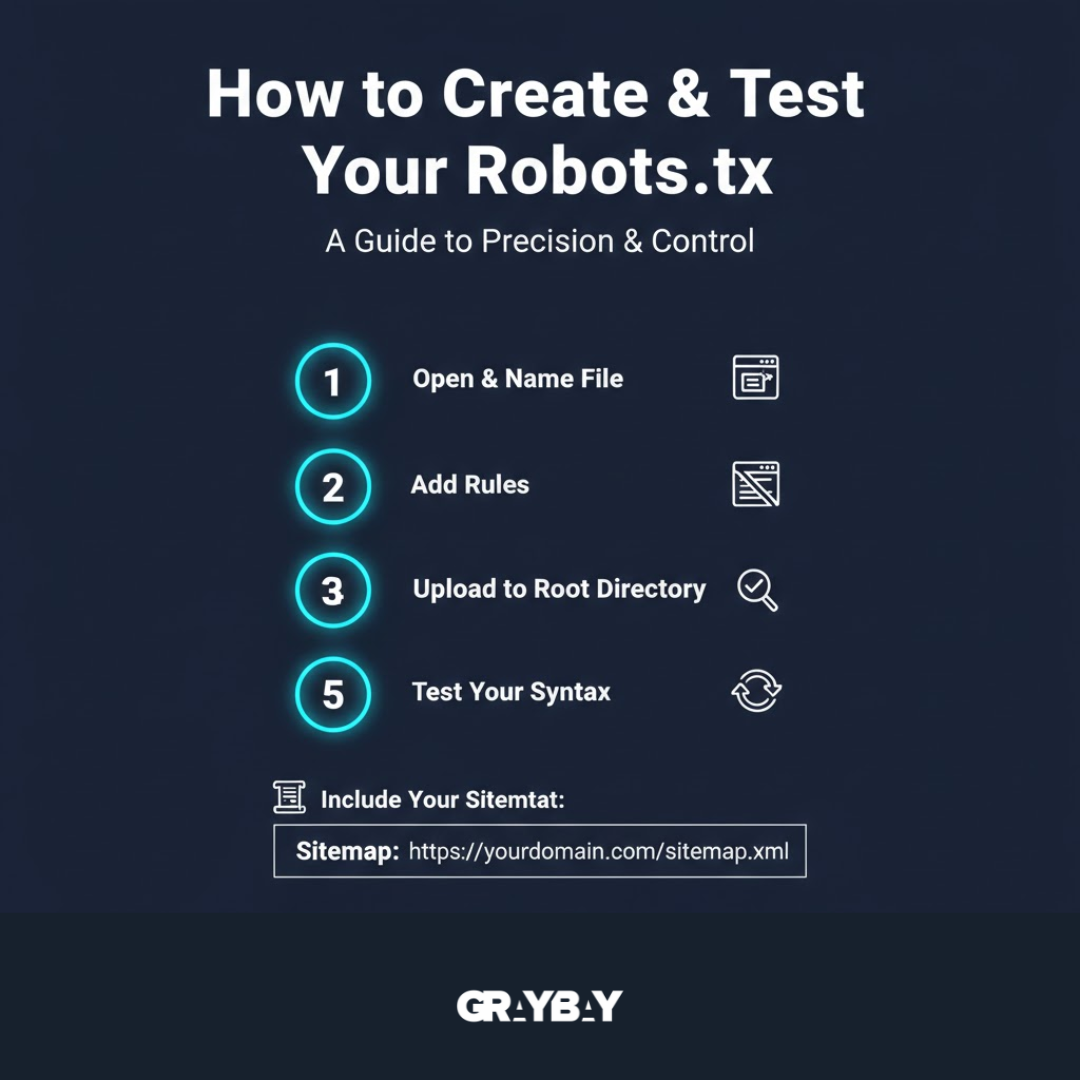
If you’re ready to take action, here’s a straightforward guide to creating and maintaining your file:
Open a text editor and name your file robots.txt.
Add your rules, defining which bots are allowed or denied.
Upload it to your website’s root directory (yourdomain.com/robots.txt).
Test your syntax with Google’s Robots.txt Tester or a validator.
Review it regularly to reflect new crawler behavior.
You can also include your sitemap for better crawl guidance:
Sitemap: https://yourdomain.com/sitemap.xml
Understanding how to create a robots.txt file for AI isn’t about complexity – it’s about precision. A concise, accurate file ensures crawlers know exactly what to index and what to ignore, keeping your website’s crawl budget efficient.
The Broader Context: SEO and AI Content Scraping
The intersection of SEO and AI content scraping is redefining how marketers think about visibility. Search optimization used to be about rankings and backlinks. Now, it’s about protecting your intellectual property while staying discoverable.
That’s why modern marketers are building strategies for site indexing control in AI era – determining exactly how and where their data appears. Many brands are also managing OpenAI GPTBot and other AI crawlers to maintain ownership of their written, visual, and structural content.
Knowing how to create a robots.txt file for AI is now a core part of technical SEO – not just to improve rankings, but to preserve the originality of your content in an automated digital ecosystem.
Why This Matters More Than Ever
AI crawlers have changed the rules of engagement. The web is no longer just indexed – it’s mined, parsed, and repurposed.
Learning how to create a robots.txt file for AI ensures your site communicates clear boundaries. For small and mid-sized businesses, this means:
Less server strain from aggressive crawlers.
More accurate analytics data.
Better control over content exposure and reuse.
Ultimately, this file helps your digital marketing stay focused on growth, not cleanup. It’s a simple way to define what kind of visibility you want – and which kind you don’t.
How Gray Bay Marketing Helps Businesses Stay in Control
At Gray Bay Marketing, we believe clarity and control are the foundation of sustainable digital growth. Our AI SEO services combine strategy, analytics, and brand protection to help businesses stay discoverable – and respected – online.
From refining site structure to optimizing for visibility while protecting proprietary data, we guide clients through every stage of smart web management. We also help them understand that even small technical details – like a robots.txt file – can shape how search engines and AI systems perceive their site.
If you’ve been wondering how to create a robots.txt file for AI, now you know it’s not just technical housekeeping. It’s part of your broader SEO marketing strategy – a way to define your boundaries, preserve your authority, and protect your creative investment in an AI-driven world.